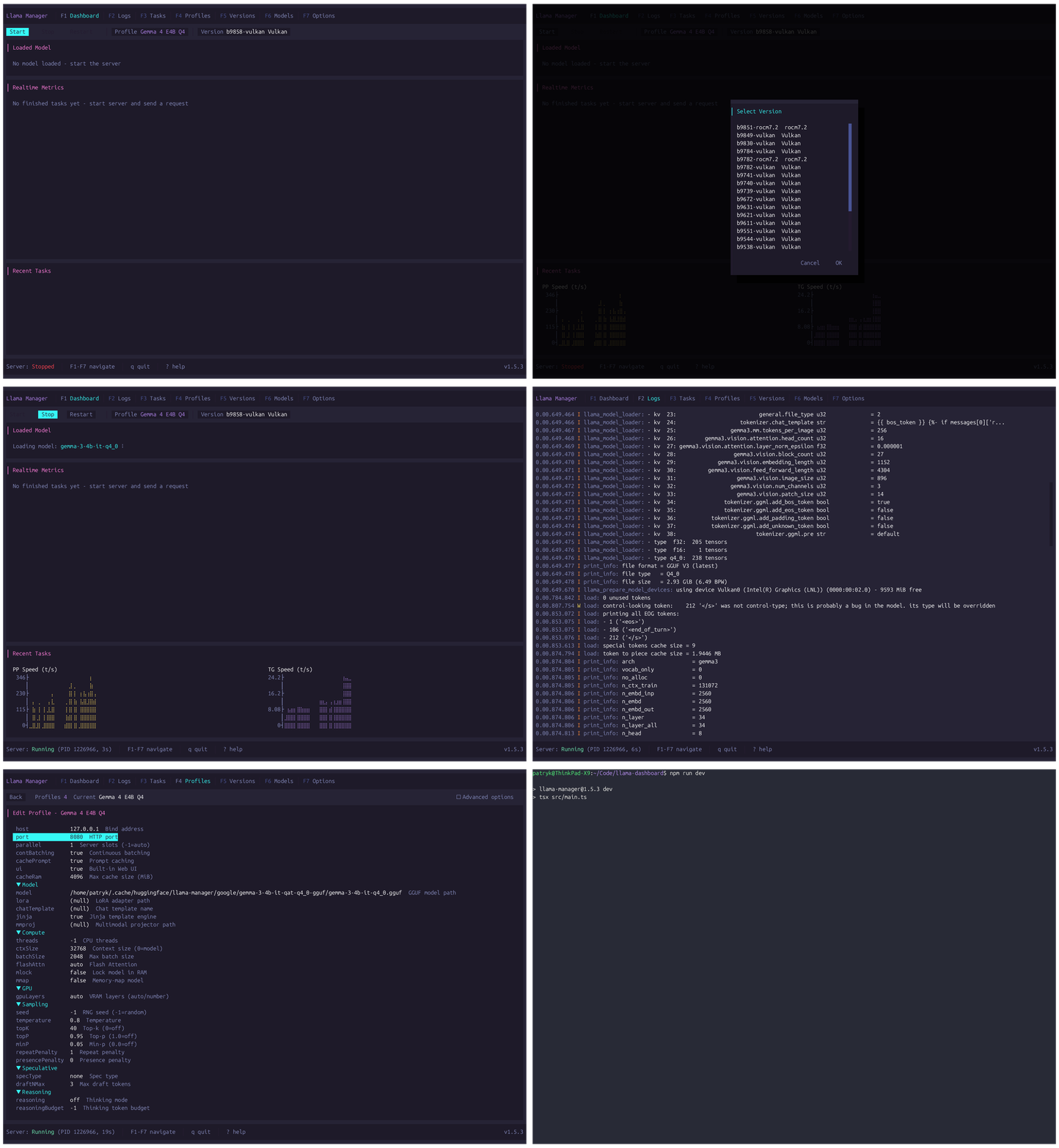
A terminal UI for managing llama.cpp — start and control the server, manage versions, download GGUF models from Hugging Face, and monitor inference performance in real time.
npm install -g llama-manager
Real-time per-slot metrics, server controls (start/stop/restart), and a live log viewer.
Dedicated server log viewer with structured severity coloring.
Parsed task history with token counts, speeds, draft acceptance, filtering, and SQLite persistence.
Named server configurations with type-aware preset editors and free-form arguments.
Install, switch, and uninstall llama.cpp builds from GitHub releases.
Search Hugging Face, download GGUF models with progress tracking, set active model.
Global settings: paths, poll interval, task limits, appearance, theme, HF token.
Install, configure, and switch between llama.cpp forks seamlessly. Each fork's unique CLI flags, preset categories, and backend variants are handled automatically.
Select a theme from the Options tab or press Ctrl+T. Compatible with the catppuccin, dracula, nord, gruvbox ecosystem.
One command. Zero configuration. Full control.
npm install -g llama-manager